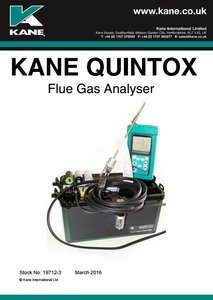
KANE9206 QUINTOX
- Emissions Monitoring Solution


KANE9206 QUINTOX
- Emissions Monitoring Solution
Fully featured emissions analyser
Functies
Large Graphical Display Up to 15 lines of text/data can be displayed
Wireless link from the handset to the base unit Offering cable free connection
GPS Location Pinpoint exact test location
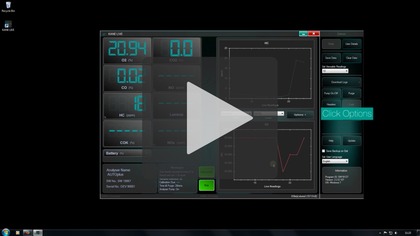
Wireless & USB connection to PC Use the KANE LIVE software to monitor readings in “real time”
Large Internal memory Can store up to 64,000 tests
Main Purge Allows sensor zeroing without the need to withdraw the probe from the flue
Refreshes the sensors during long term monitoring
Automatically protects the sensor from being over-ranged
Active Flow Control Compensates for sample pressure fluctuation & filter blocking by adjusting the pump speed to maintain a set sample gas flow rate
Built in Printer with additional output to optional portable IR printer IR printer ideal when working away from the base unit.
Differential Pressure measurement with Pitot flow calculation.
User selectable languages
User selectable standard fuels by country
User defined ‘special’ fuels
Metingen
(Standard Kit) - 02 0-25% - CO (H2 Compensated) - 0-4,000ppm - Pressure 0-150 mbar - Efficiency 0-100% - Temperature 0-1100°C with optional probe
Berekenen
- CO2 (calculated) 0-20%
Brandstoftypen
- Natural Gas
- Butane
- Propane
- LPG
- 28 sec oil
- 35 sec oil
- Wood pellets
- User fuel
- Heavy Oil
Doosinhoud
- Analyser
- Handset with cable
- Charger
- Manual
- Calibration report
Videos
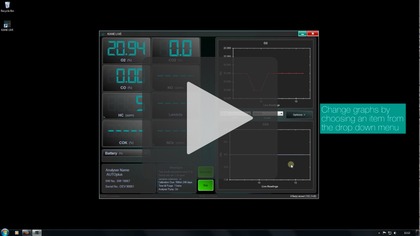
How to change graphs - KANE LIVE
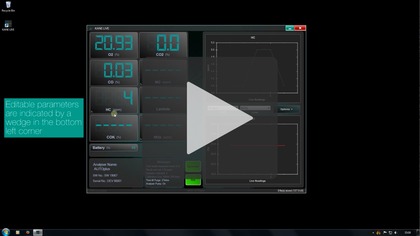
How to change parameters - KANE LIVE
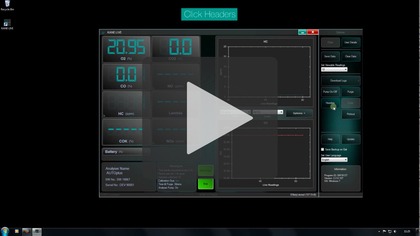
How to change the header - KANE LIVE
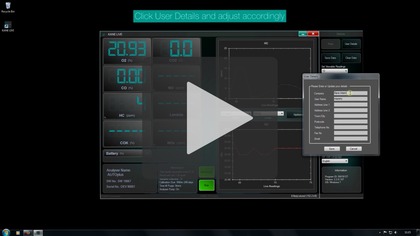
How to change user details - KANE LIVE
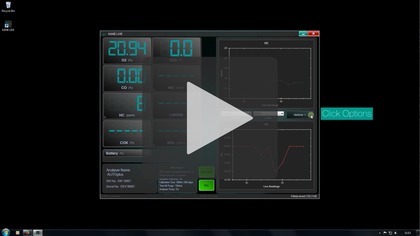
How to change viewable readings - KANE LIVE
How to connect supported bluetooth - KANE LIVE
How to download logs - KANE LIVE
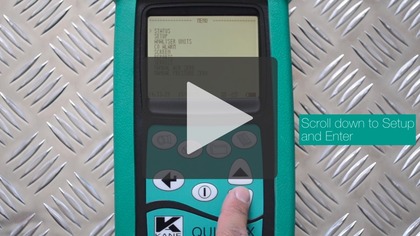
How to pair and connect the QUINTOX - KANE LIVE
How to save data - KANE LIVE
How to use change the language - KANE LIVE
How to use help - KANE LIVE